
 Join our Discord
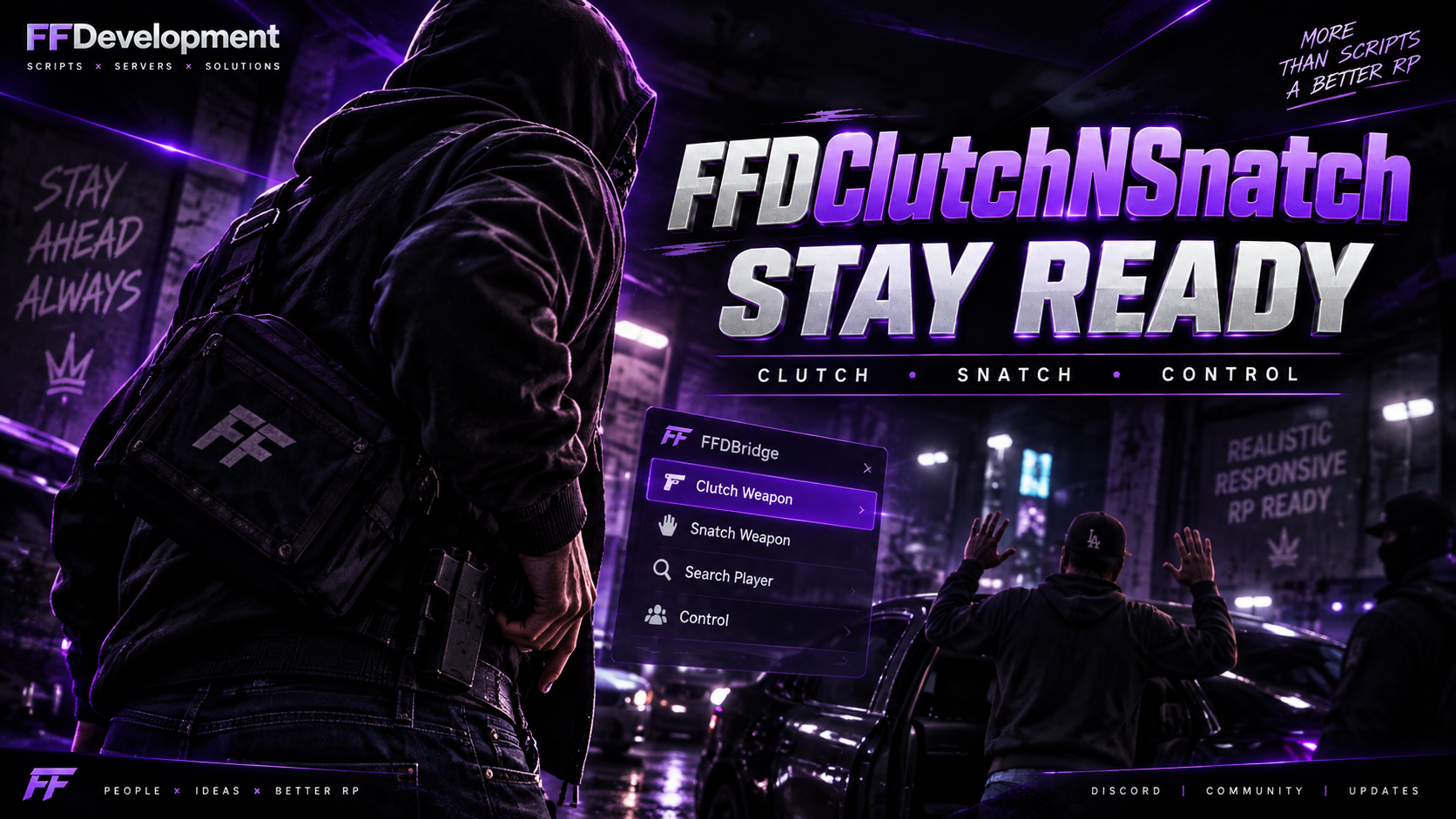
https://www.youtube.com/watch?v=3BSyf46YP_w
Requires FFDBridge (Free Release) ox_lib and ox_target Can use qb-target
FFDClutchNSnatch: Features & Config Overview
1. Clutch & Pump-Fake System
Custom Animations (
Config.Animations)Define multiple “clutch” animations (e.g., pulling items from hoodie or pockets).
Each entry includes:
id(unique key)label(menu display name)dict/anim(animation dictionary & clip)duration(progress-bar time in ms)
Pump-Fake Detection
Automatically tags a clutch as a “pump-fake” if the player is unarmed.
Inspect Clutch (
Config.Inspect)Allows other players to target & inspect someone clutching, with:
distance(max range)Custom
icon,label, progress-barduration& textControl disables (e.g., prevent combat during inspect)
Optional inspection animation (
animClip)
2. Weapon Snatch & Duel Minigame
Back-Door Sneak Interaction
A context-target “Back Door – Steal Weapon” option appears on other players within range.
Allowed / Blocked Weapons (
Config.AllowedWeapons,Config.BlockedWeapons)Map weapon hashes → inventory item names.
Block specific weapons outright (e.g. RPGs).
Grab Animation (
Config.Grab)Configure the robbery animation:
dict,thiefAnim,targetAnimduration(ms),distance(positioning), offsets for fine-tuning
Duel Rounds (
Config.Duel)Sets number of button-mash rounds (
rounds) and keybinds (key) for thief vs. target
Cooldown (
Config.Cooldown)Seconds between failed snatch attempts
3. FFDBridge Integration
FFDBridge automatically provides:
Framework-agnostic notifications (
Core.Framework.Notify)Inventory operations (
Core.Inventory.GetItemCount,.CanCarryItem,.RemoveItem,.AddItem)Target interactions (
Core.Target.AddGlobalPlayer)Progress bars & animations (
Core.Progress)Syncing & state events via the bridge’s network abstraction